Primary lockup
Use on white, light gray, and pale blue backgrounds.
Raptor Roofing Brand Kit
Logo, color, type, photo standards, components, and page patterns for Raptor website work. Keep each page direct, practical, and recognizably Raptor.
Logo
Use on white, light gray, and pale blue backgrounds.

Use on navy, dark photos, and high-contrast brand panels.
Use for favicons, avatars, compact review states, and small badges.
Color
#172e55#3ae20a#1ac6ffThese colors appear in the current website interface. Review them before changing, replacing, or mapping them into the official palette.
#071224#0a1f3c#14345f#94dfff#c9f2ff#d7ff57#ecff9d#52627cType
Roofing work made simple.
Use for H1, H2, major section titles, and compact stat labels.Raptor inspects the roof system, documents the condition, and gives the homeowner a clear next step.
Use for paragraphs, buttons, labels, forms, tables, and review notes.Voice
We inspect the full roof system, explain what needs attention, and help you choose the right next step.
Call now for all your roofing, siding, and gutter needs near you.
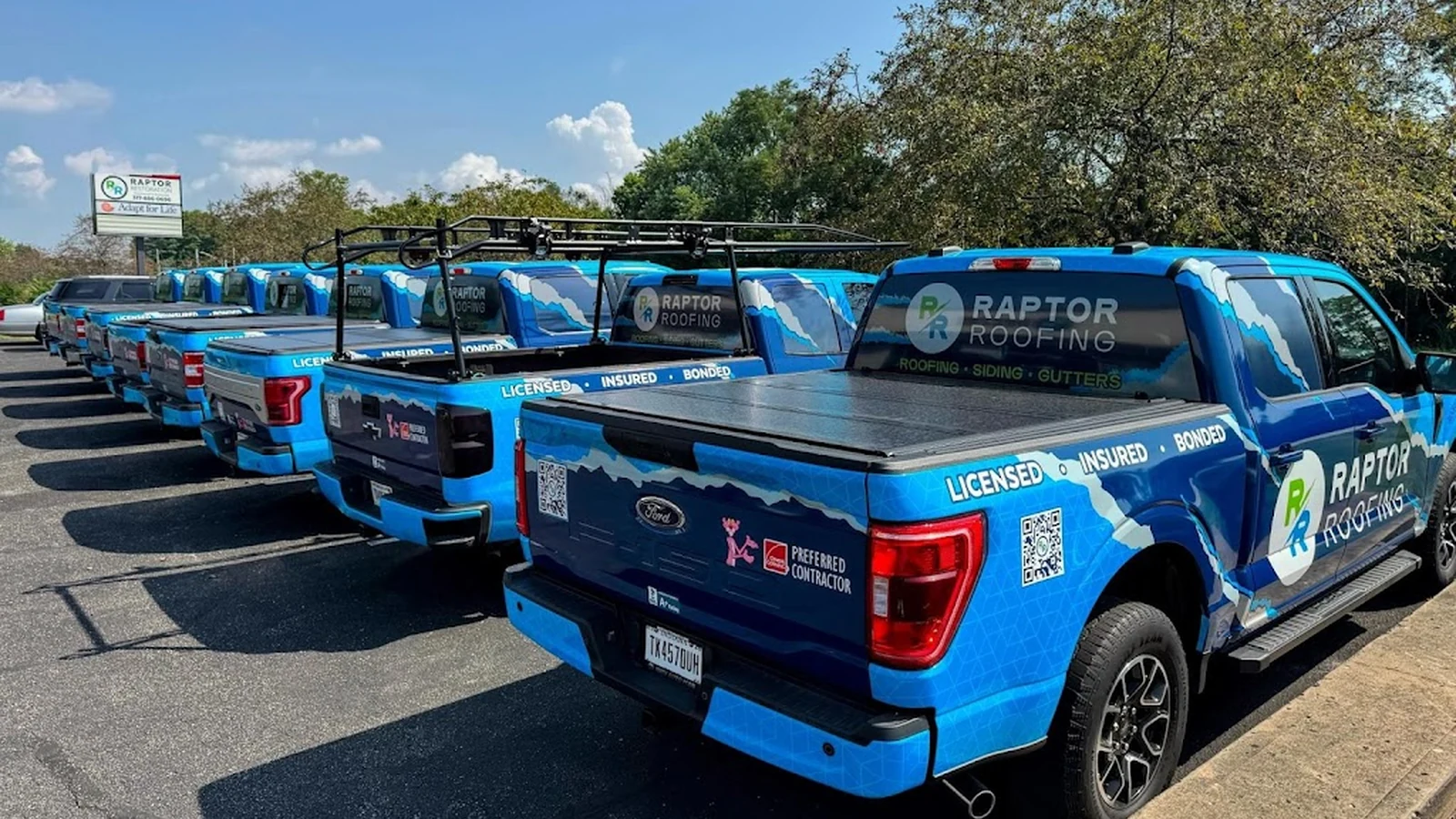
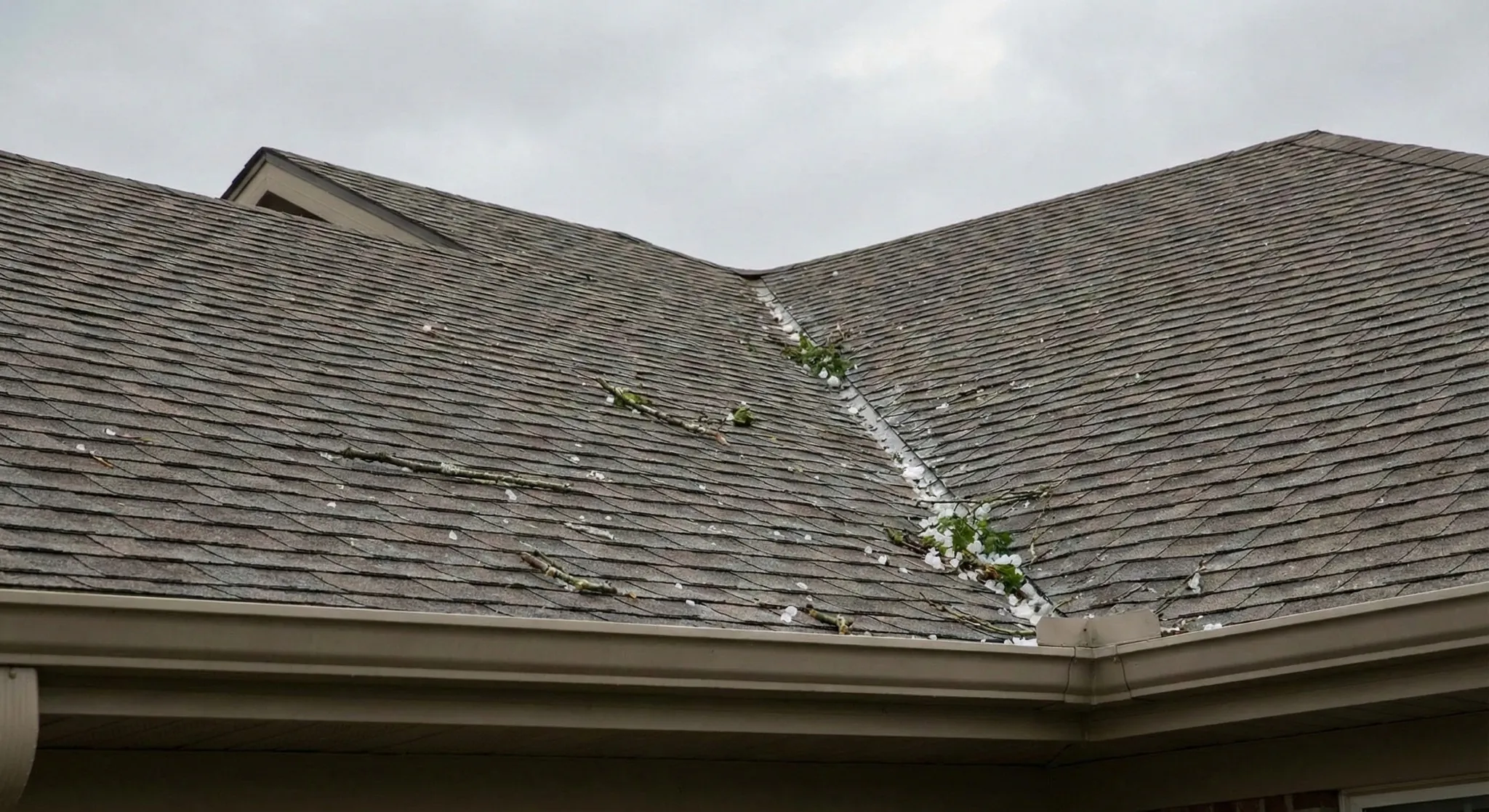
Photography
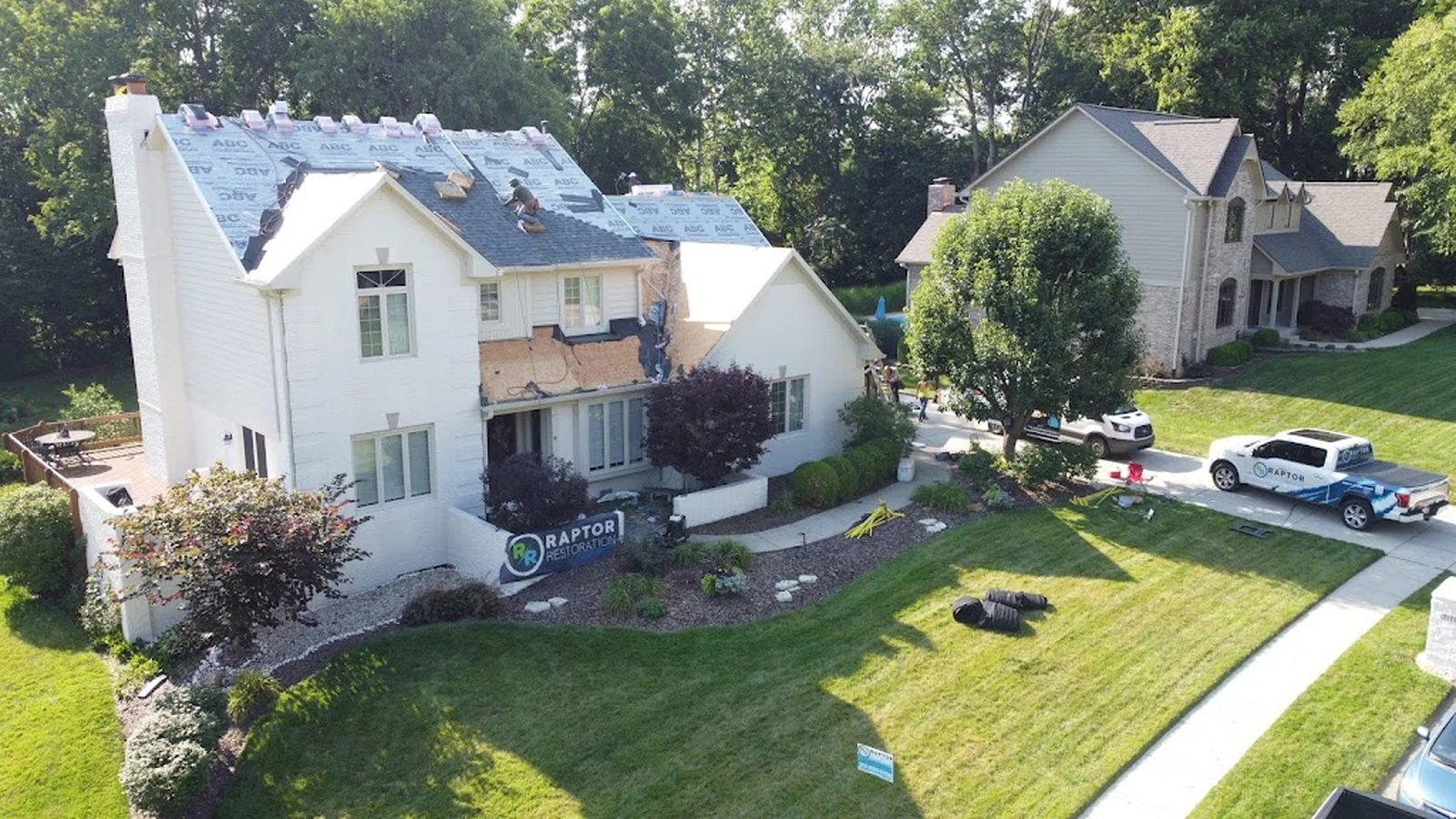
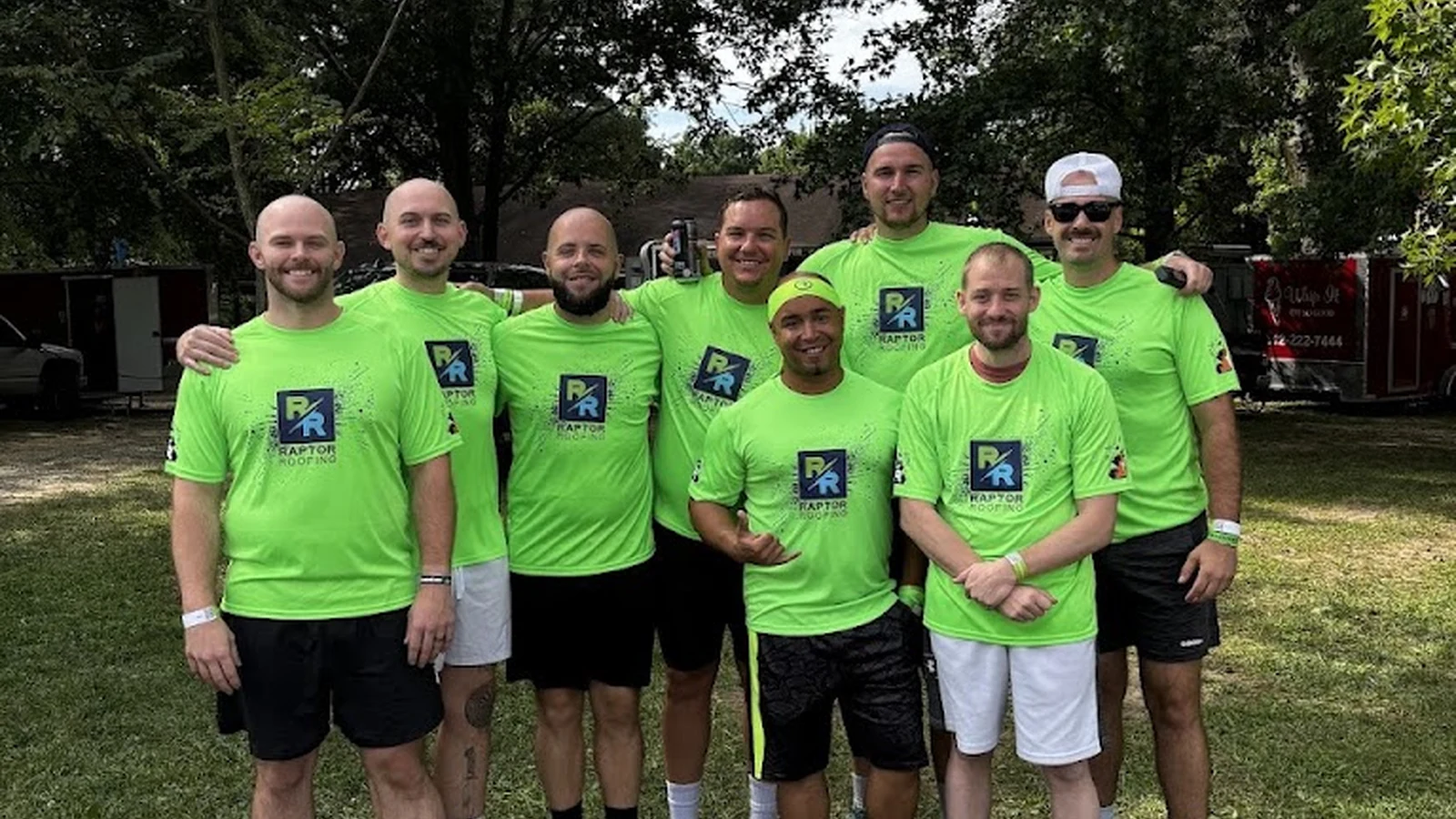
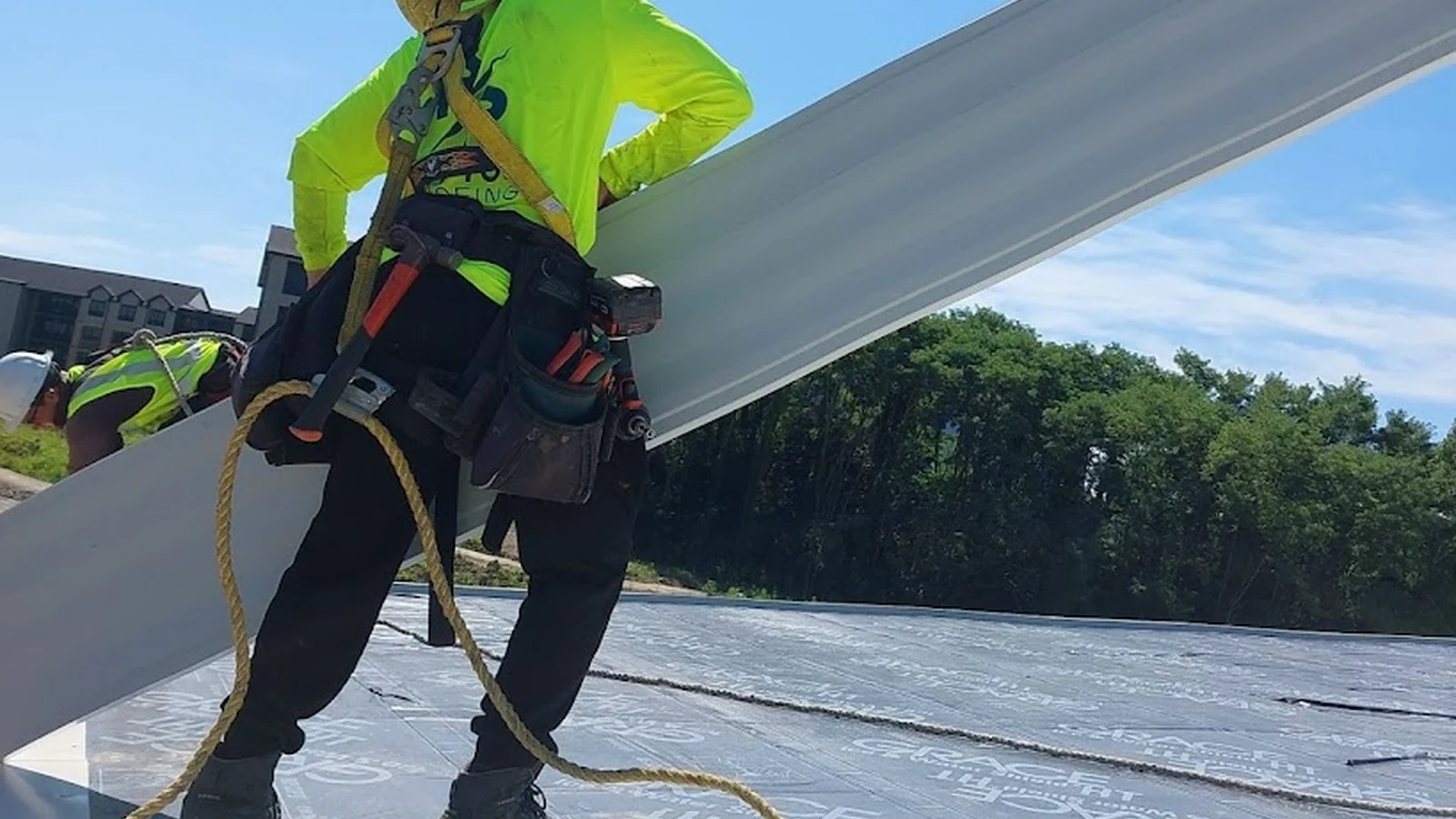
Components
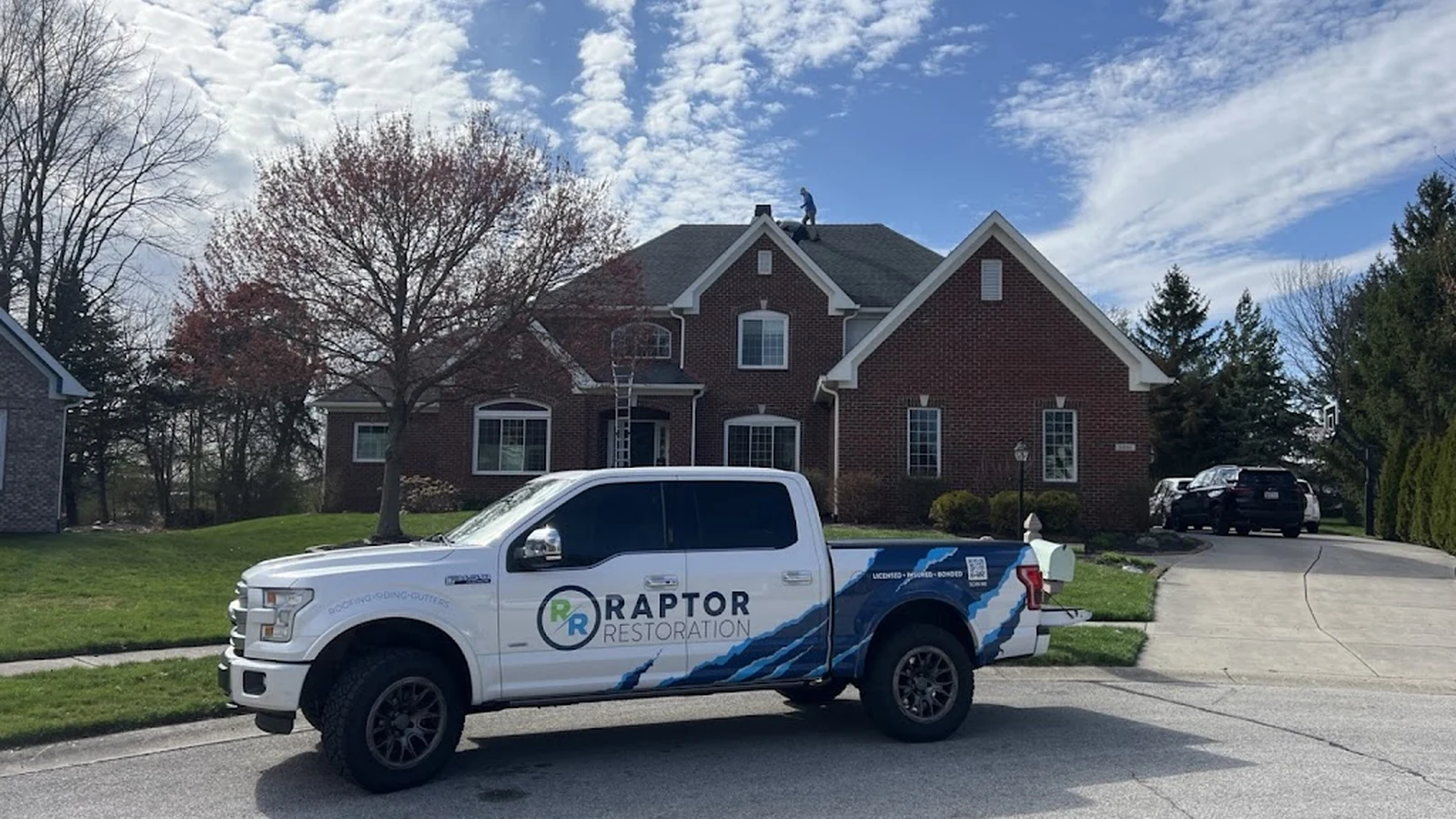
Clear inspection, material guidance, installation, cleanup, and final walkthrough.
Website Design
Lead with the homeowner's question, the clearest next step, a real Raptor image, and two actions: inspection and phone.
Show options, service fit, materials, project photos, review proof, and what happens during the inspection.
Add longer explanations, comparisons, FAQs, and location-specific detail after the quick answer path is clear.
Downloads
Admin Access
Use the current admin code to review items and submit change requests.